Memory and history
Two panels sit beside the composer, and they answer different questions: Chat Memory is what should the agent always know, and Chat History is what did we ask before.
Chat Memory
A memory is a standing fact applied to every question in this use case — something true about your business that the data alone does not say.
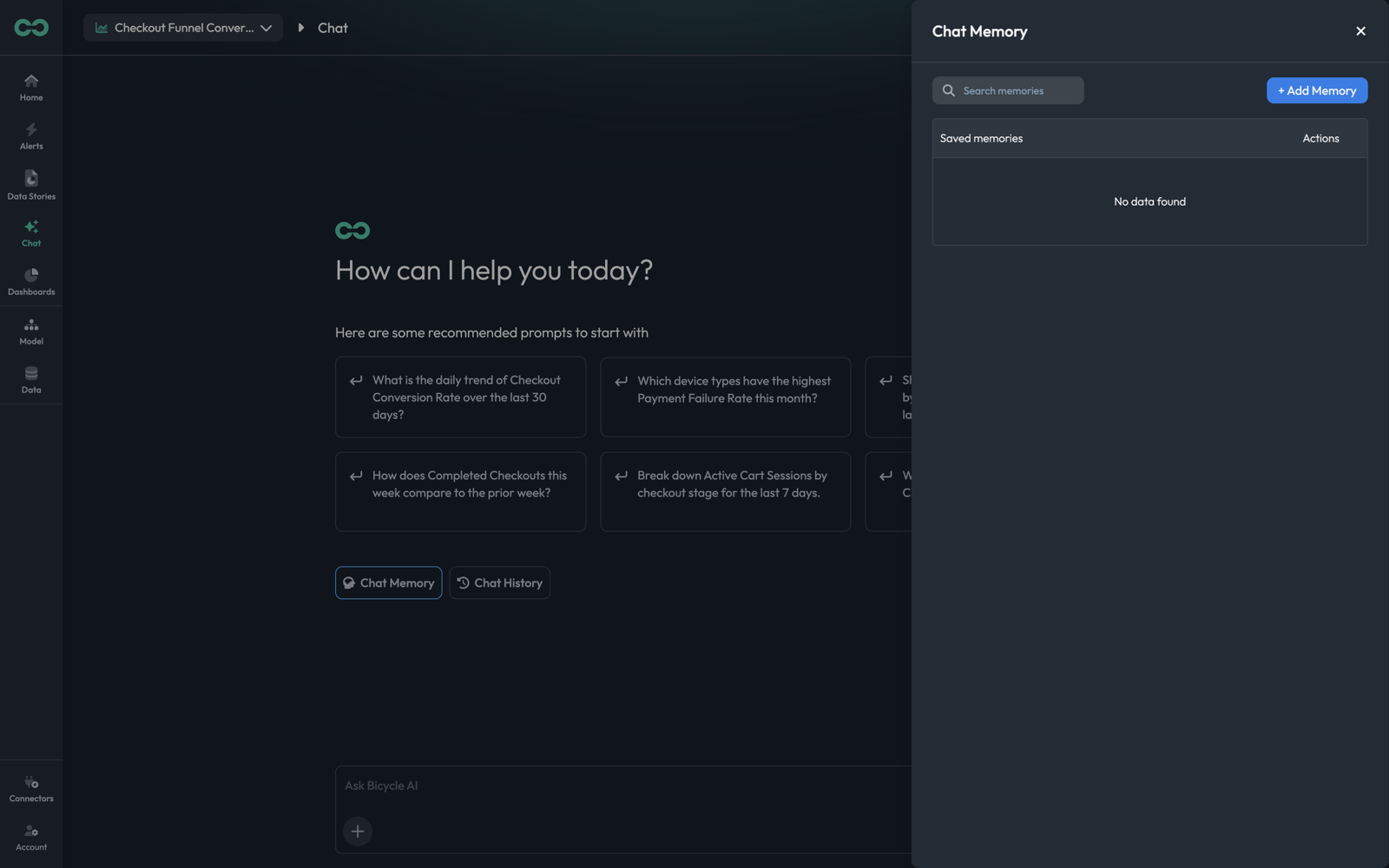
The panel lists Saved memories with an Actions column to edit or remove each, and a search box for when the list grows. + Add Memory creates one.
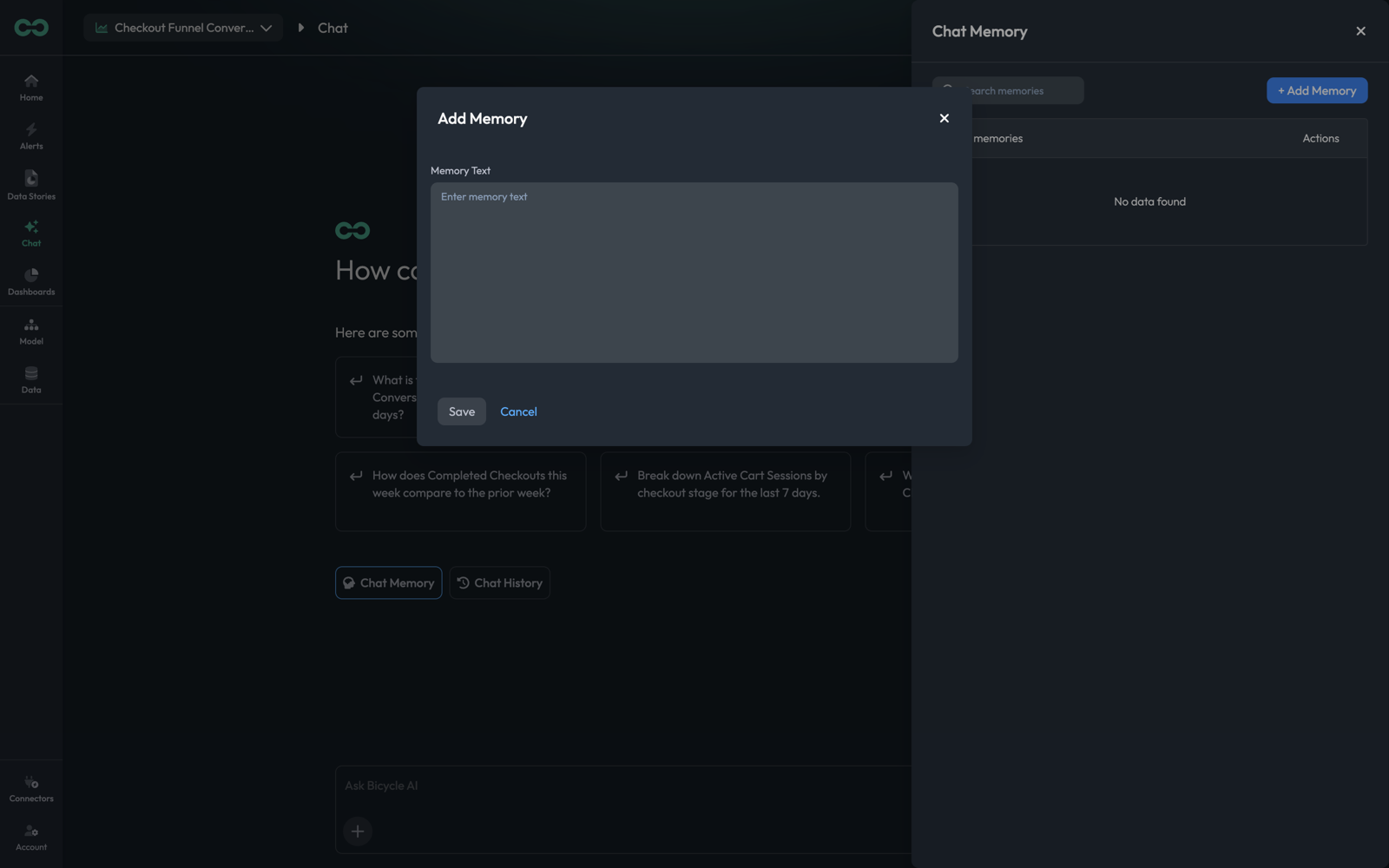
The form is a single free-text field. Write one fact per memory, as a plain statement:
| Instead of | Write |
|---|---|
Fridays | Order volume drops every Friday because of the weekly maintenance window from 02:00 to 04:00 IST — treat that dip as expected. |
ignore test data | The customer segment "internal_test" is synthetic traffic. Exclude it from every analysis unless asked for explicitly. |
Q3 launch | We launched in Pune on 12 June 2026. Comparisons that span that date will show growth from the new market, not from existing areas. |
What makes these work is that each one is a fact plus its consequence for analysis. "Fridays are quiet" is trivia; "treat that dip as expected" changes what the agent reports as an anomaly.
Memory is the right home for three kinds of thing:
Expected patterns that would otherwise read as problems
Maintenance windows, billing cycles, seasonal effects, scheduled campaigns.
Data your team knows to exclude
Test segments, internal accounts, a delivery area that is still in pilot.
Events that break comparability
Launches, migrations, pricing changes, a tracking fix that changed how a field is populated.
If you find yourself adding "and exclude internal test traffic" to every question, that belongs in memory. The agent will apply it without being asked, including in data story runs and analyses you did not personally start.
A memory is applied broadly and silently. A wrong or stale one — a maintenance window that moved, an exclusion that no longer applies — quietly skews results with no error to notice. Review the list when the underlying facts change, and delete rather than leave anything you are unsure about.
Chat History
Chat History opens past conversations for this use case.
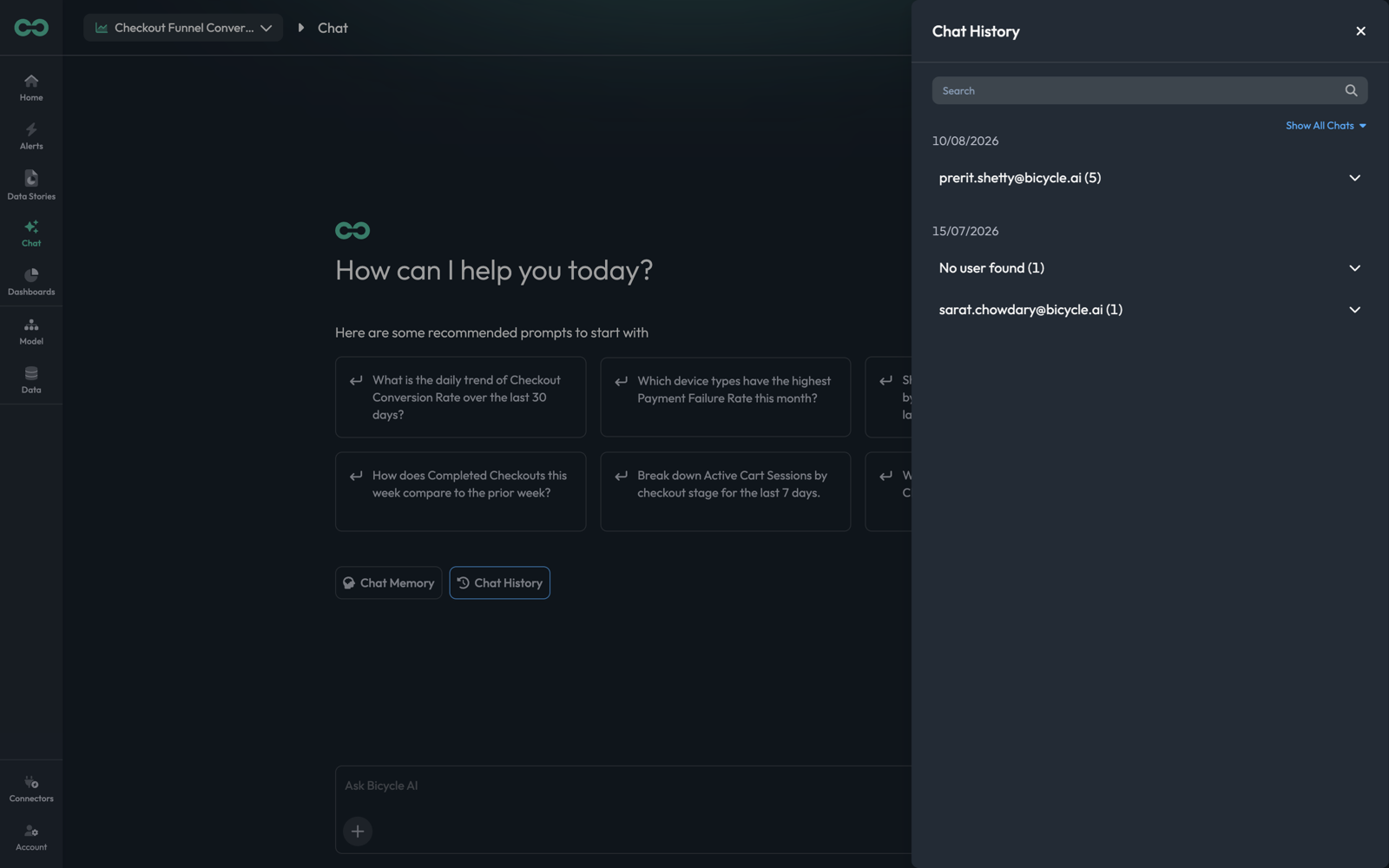
Conversations are grouped by date, then by the user who had them, with a count — someone@example.com (5). Expanding a group lists its threads; selecting one reopens it. The Search box filters across them, and Show All Chats widens the listing.
The panel lists conversations from everyone with access to this use case, not only your own. That is useful — someone has often already asked your question — and worth knowing before you assume a thread is private to you.
Reopening a thread restores its full context, including the KPI and time window the agent had resolved. Continuing an old thread is usually better than re-asking: the follow-up inherits that groundwork, and the AI Log on the original answer is still there to check how the number was derived.
Things to know
- Both panels are scoped to the use case. Memories and history belong to the use case in the top-left picker; switching agents shows a different set.
- A conversation is not saved output. History preserves the thread, but a chart in an answer stays in the conversation. To keep a result, build it as a dashboard widget or a data story.
- Memory is not a substitute for the model. A recurring exclusion is a good memory; a metric you keep describing in prose should be a KPI. Anything you want patterns to watch has to exist in the model, not just in memory.
Next: Data Stories — running a full analysis on a schedule instead of asking each time.