Google SSO Integration
This guide walks IT administrators through configuring Google Workspace (or Cloud Identity) SAML SSO for Bicycle.
Prerequisites
You need a Google Workspace or Cloud Identity admin account that can manage Directory → Groups and Apps → Web and mobile apps.
For Entity ID, ACS URL, and Bicycle Admin fields, see SAML Integration.
Step 1: Create groups
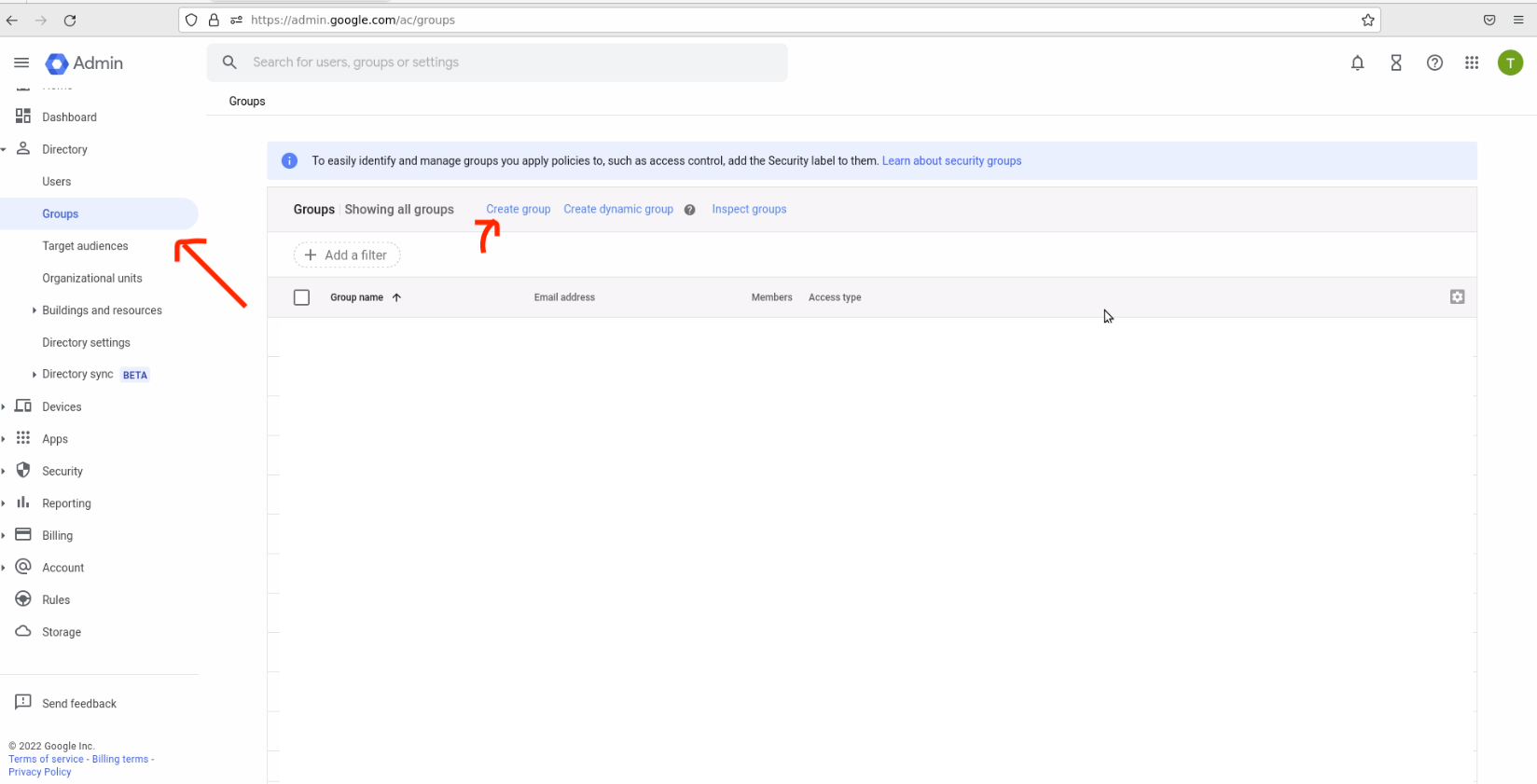
Go to the Admin dashboard: https://admin.google.com/ac/groups.
Bicycle has three roles — Admin, Editor, and Viewer — so you can either:
- Create one group for each of the three roles, or
- Create groups for Admin and Editor only, and have Bicycle treat any other user who can sign in as Viewer
Create a group
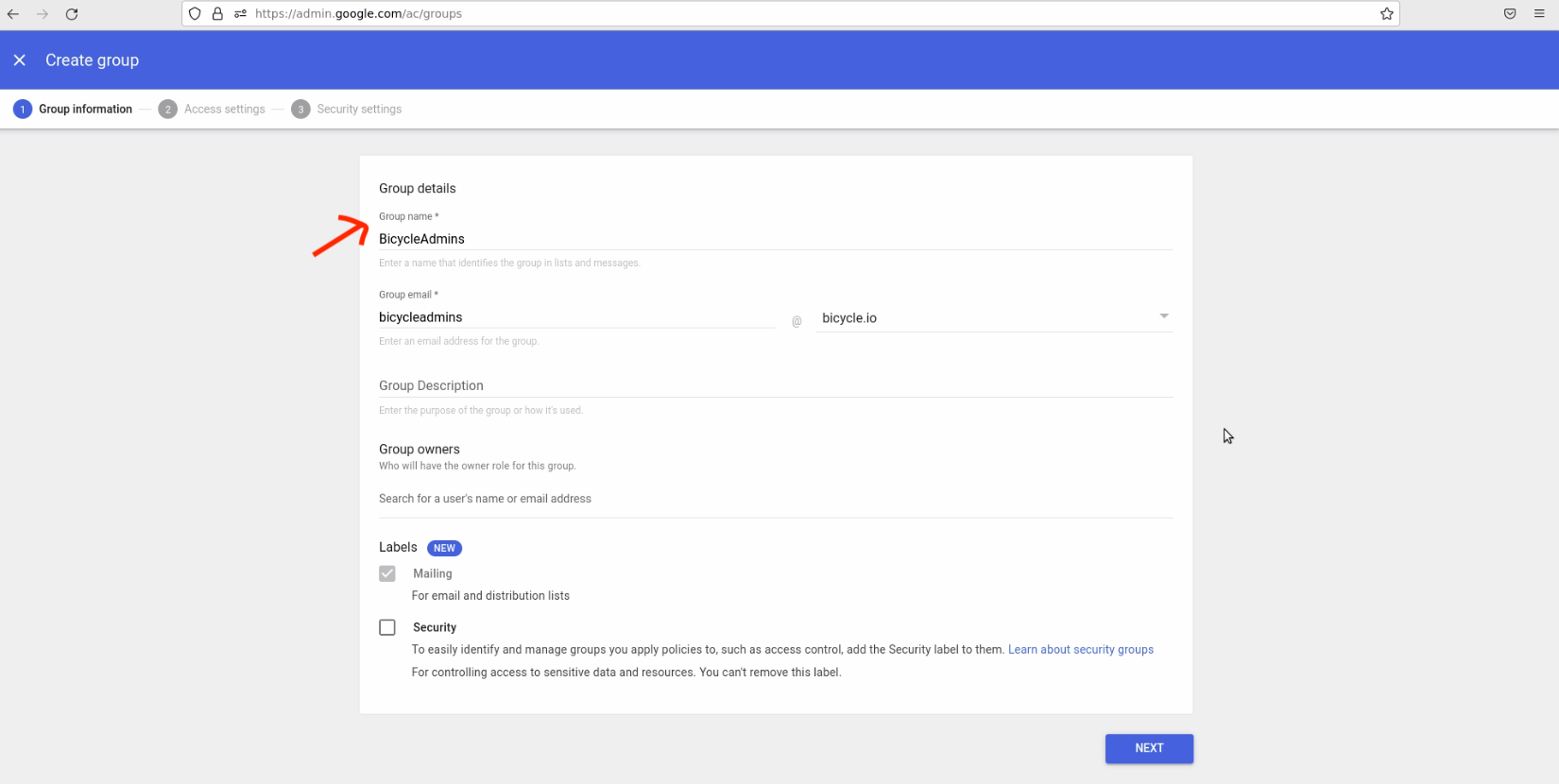
- Select Directory → Groups, then click Create group.
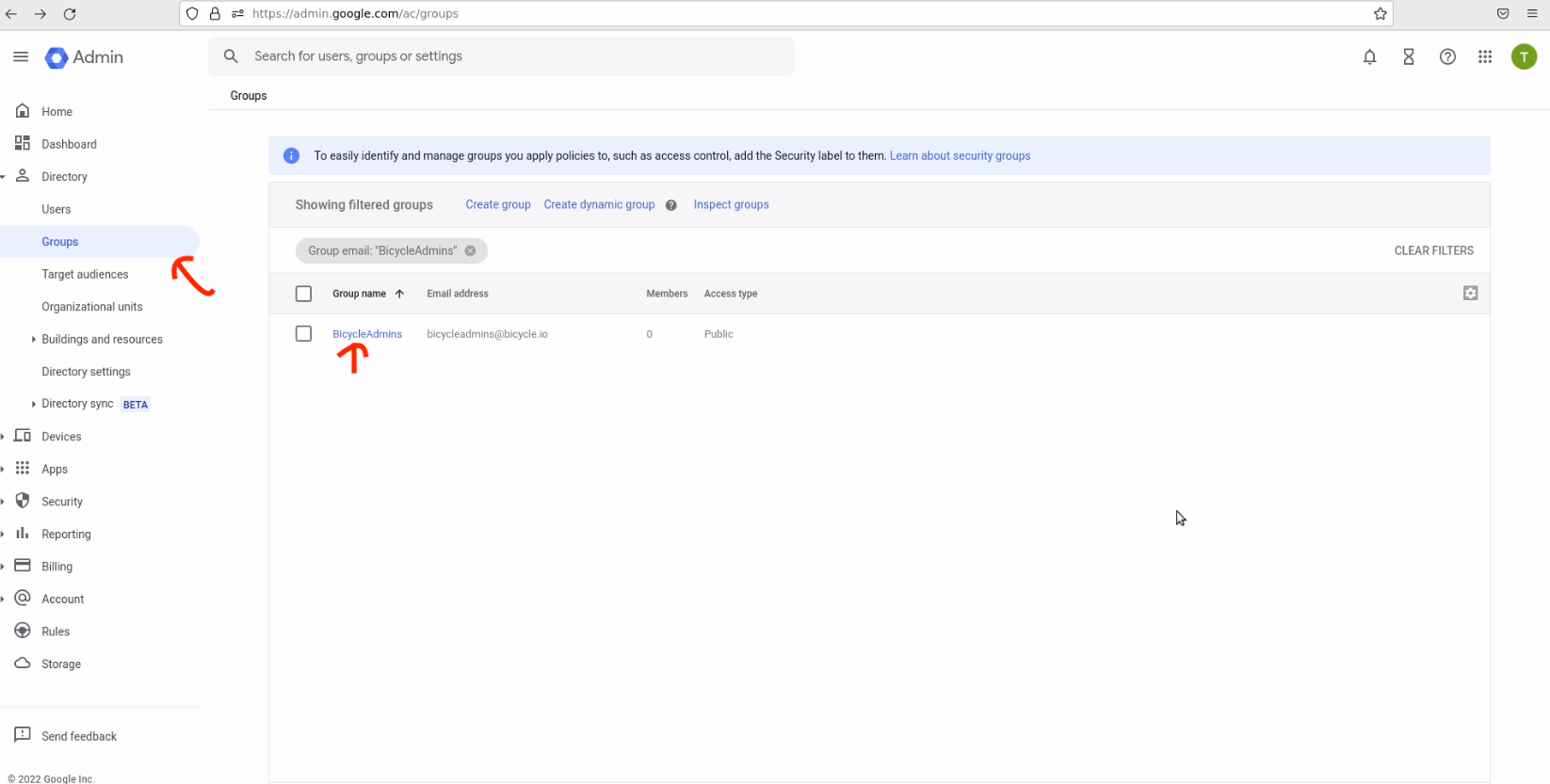
- Enter a group name (for example,
BicycleAdmins), email, and optional group owners.
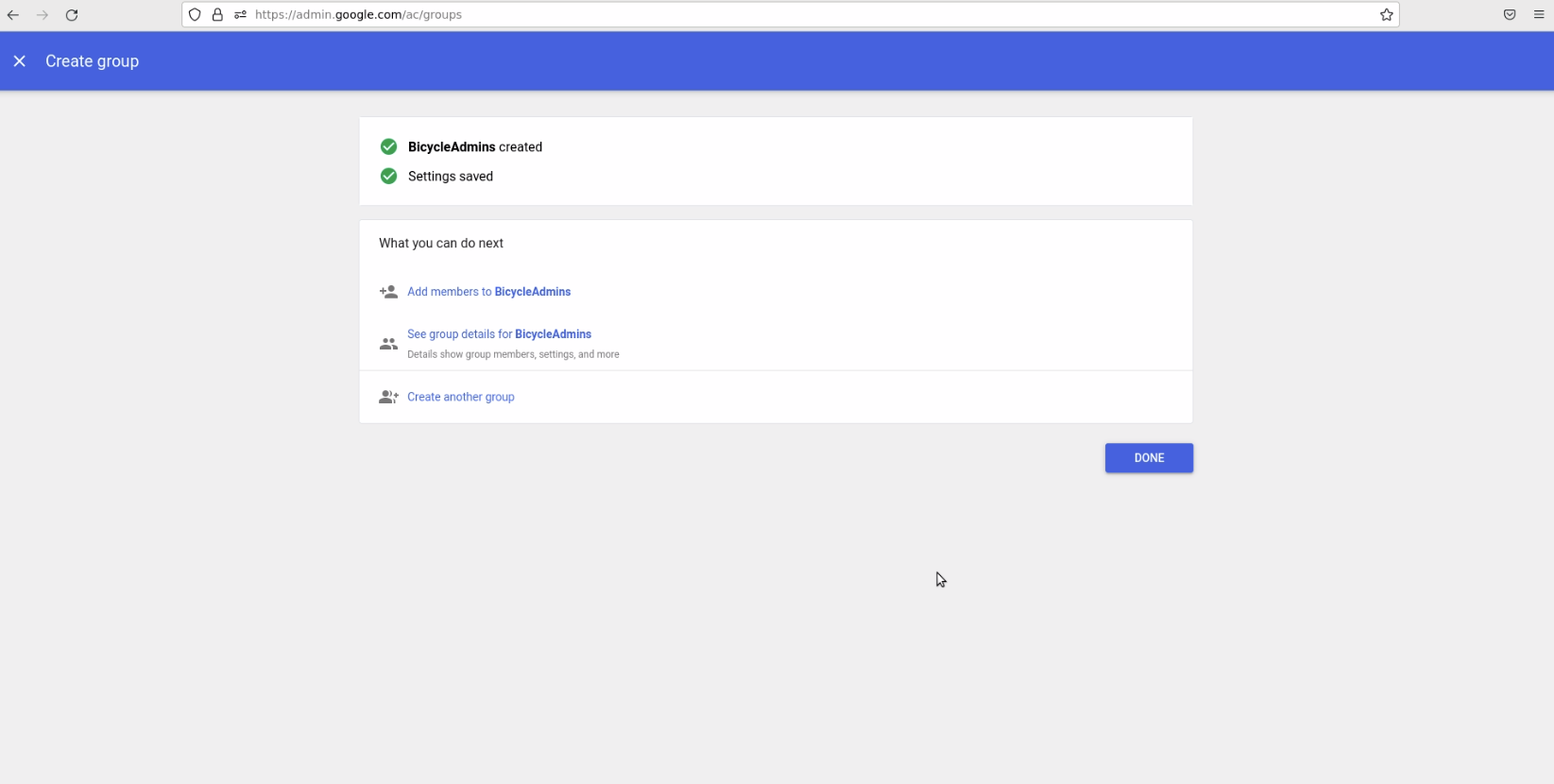
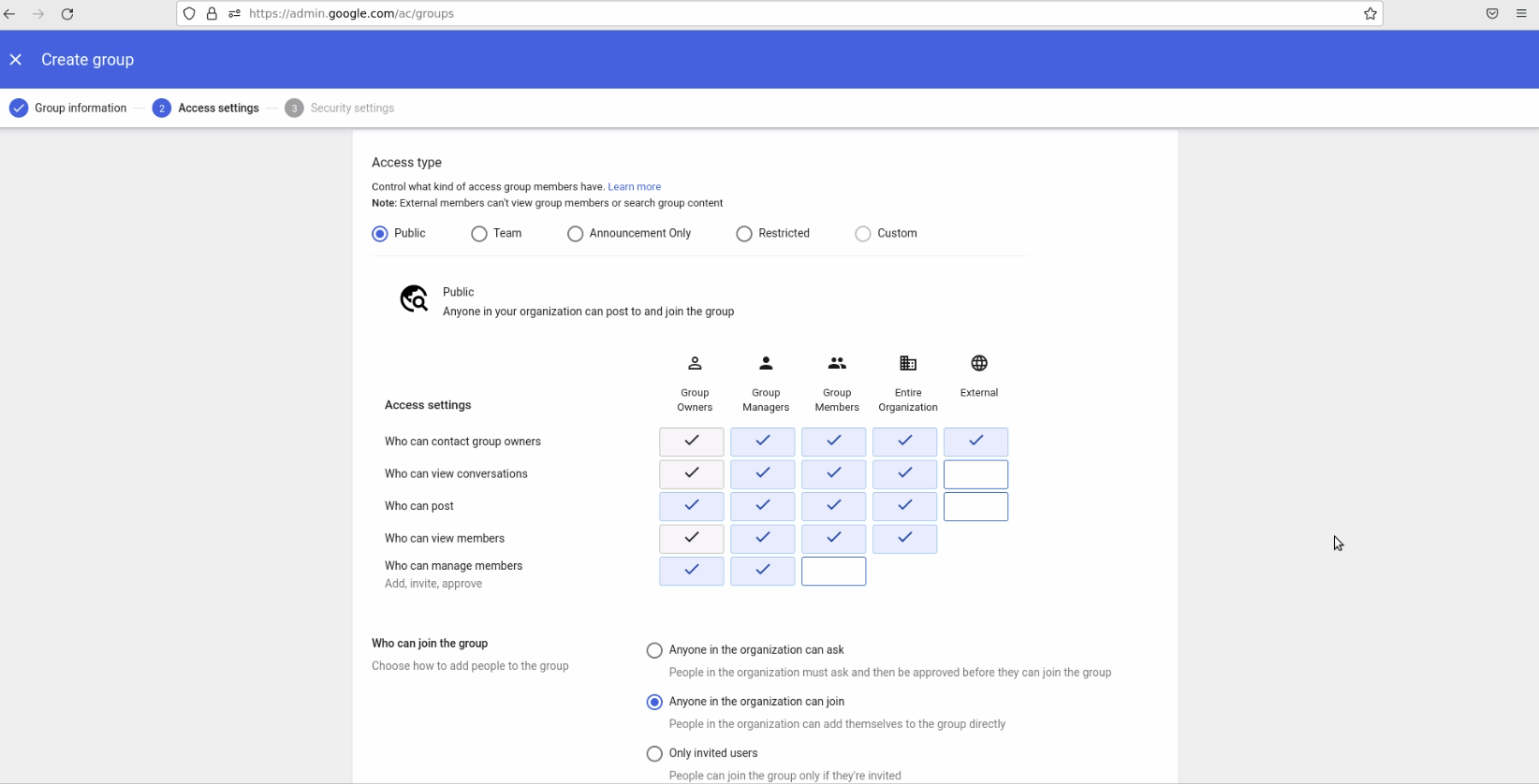
- Configure access types according to your policy.
- Add member restrictions if needed, then click Create group.
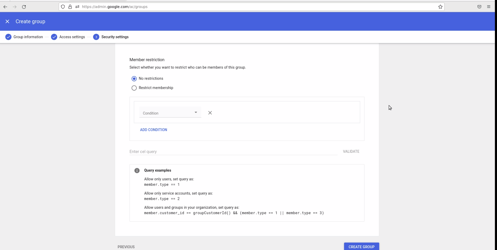
- Repeat for each group you need (for example,
BicycleEditors,BicycleViewers).
Assign people to groups
- Go to Directory → Groups (https://admin.google.com/ac/groups).
- Open the group (for example,
BicycleAdmins).
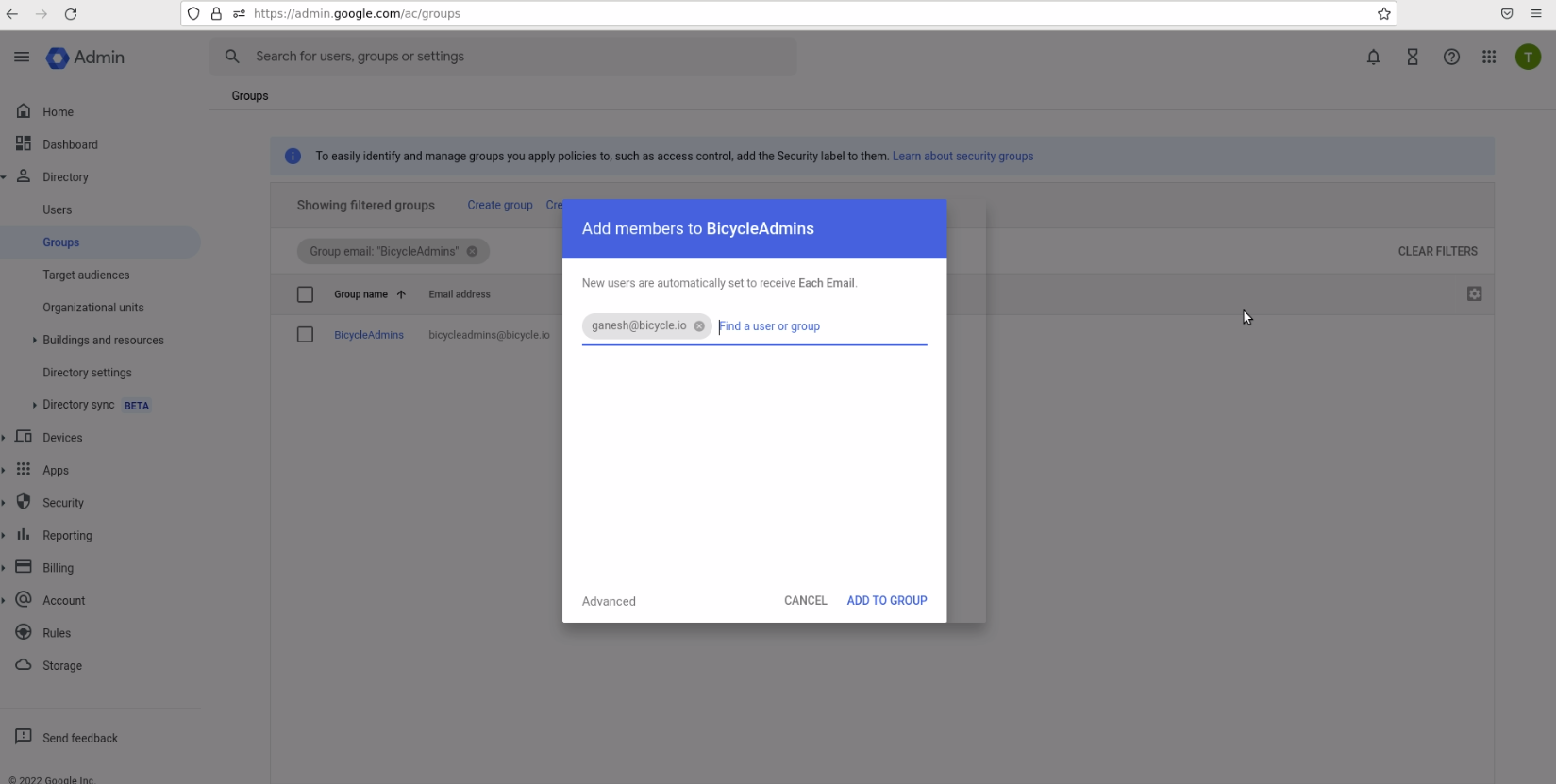
- Add the people who should have that Bicycle role.
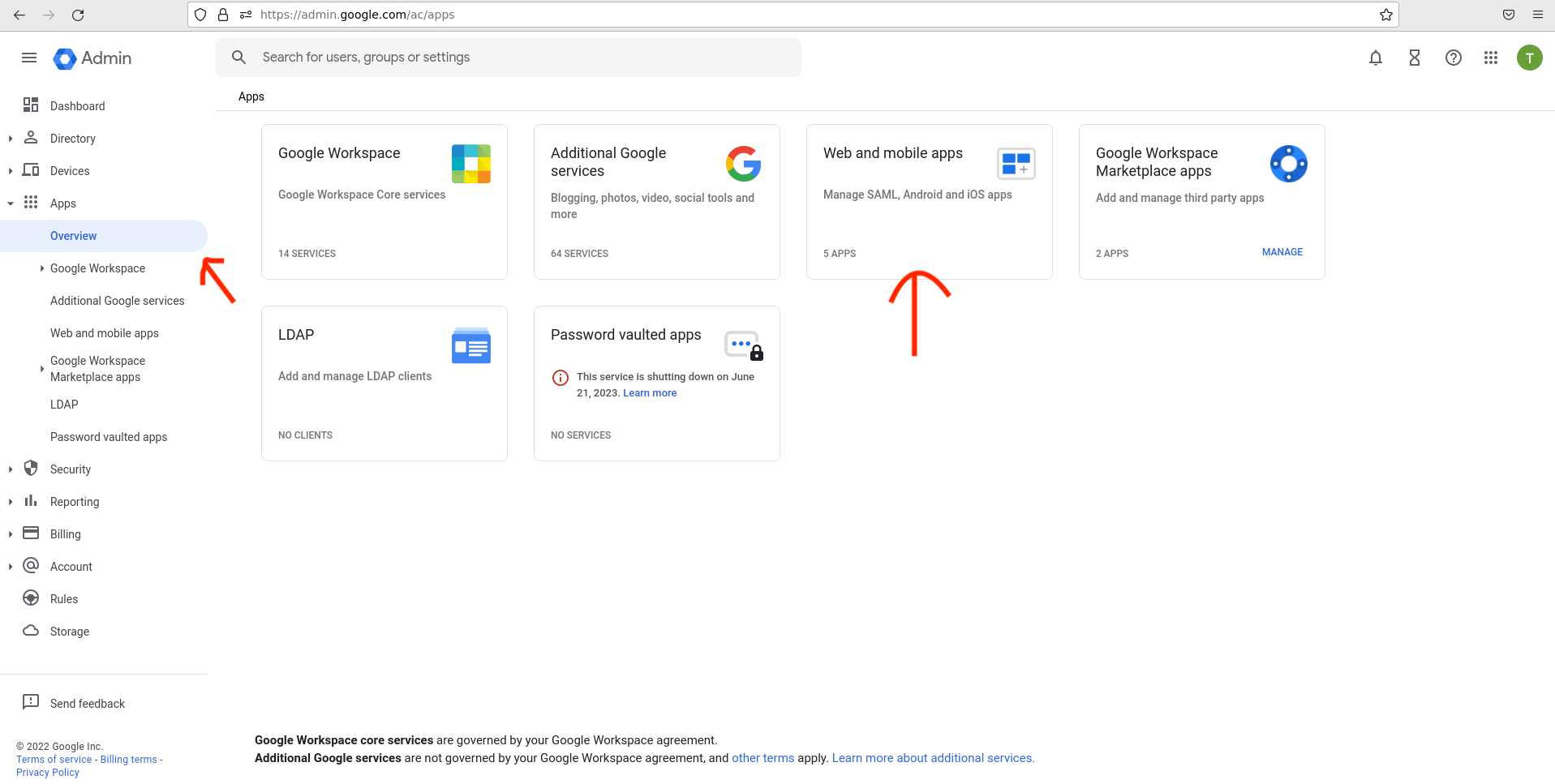
Groups are now ready for Bicycle.
Step 2: Create a SAML app for Bicycle
- Go to the Admin dashboard: https://admin.google.com/ac/apps.
- Select Apps → Overview, then open Web and mobile apps.
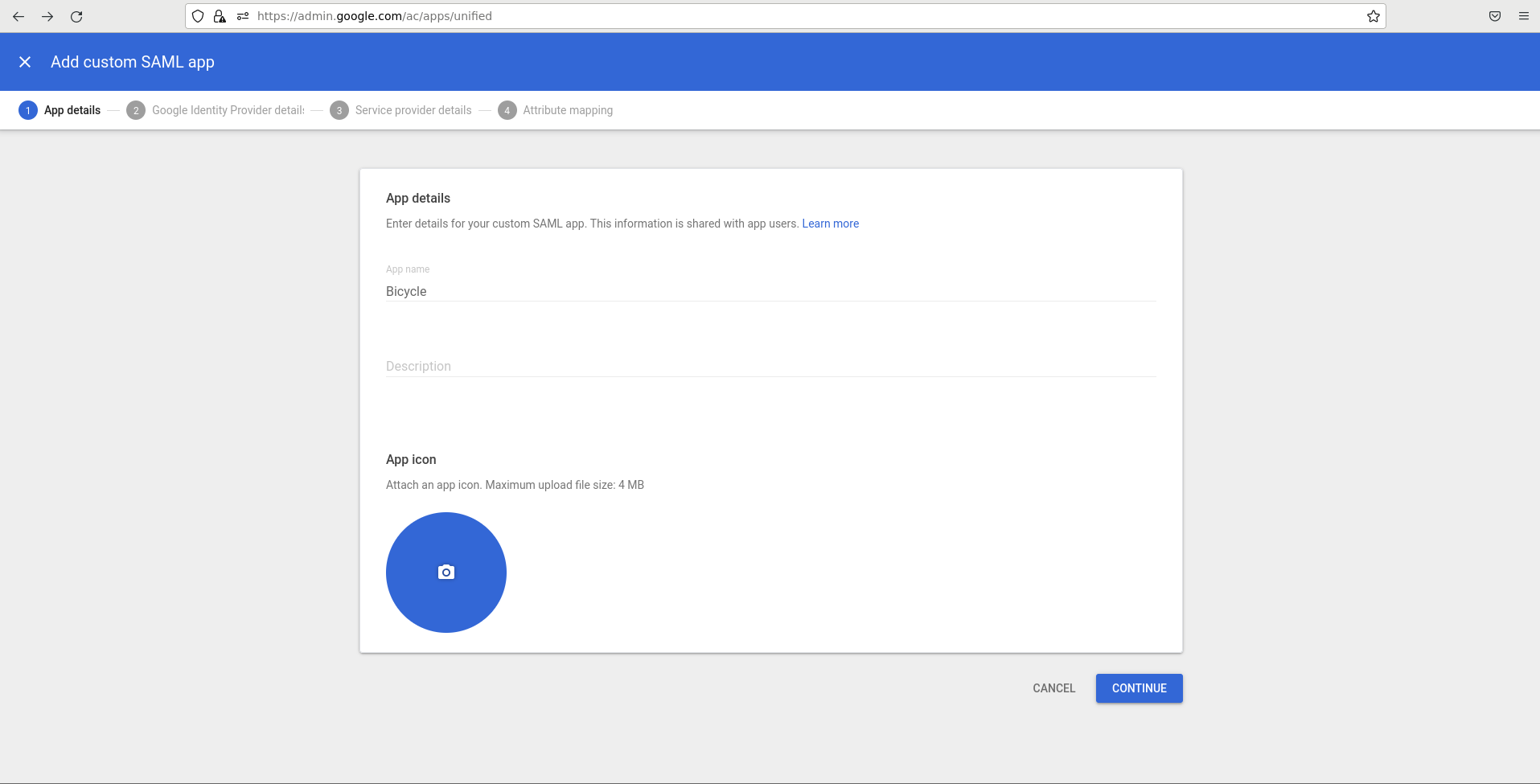
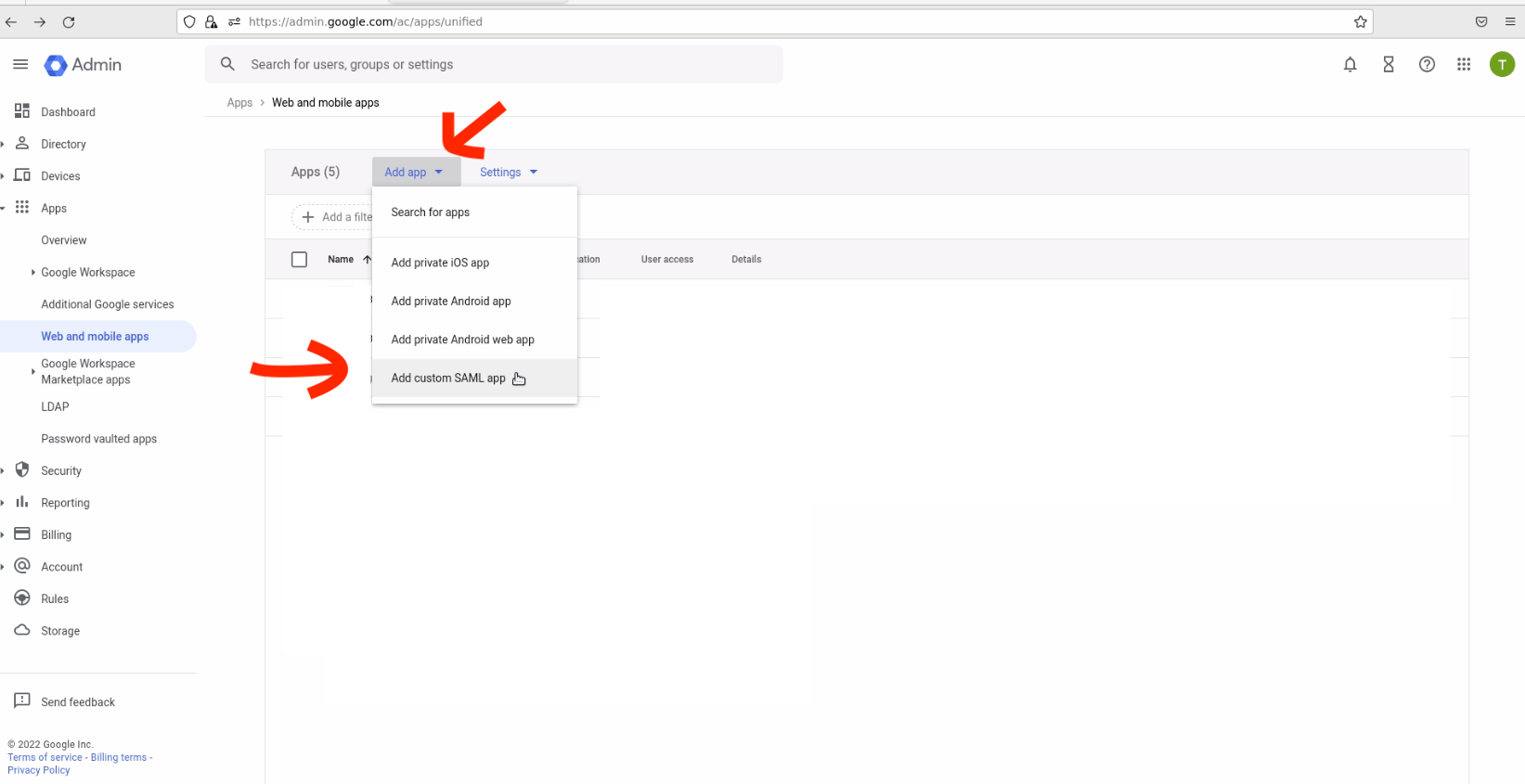
- Click Add app → Add custom SAML app.
- Enter the app name (and optional description), then click Continue.
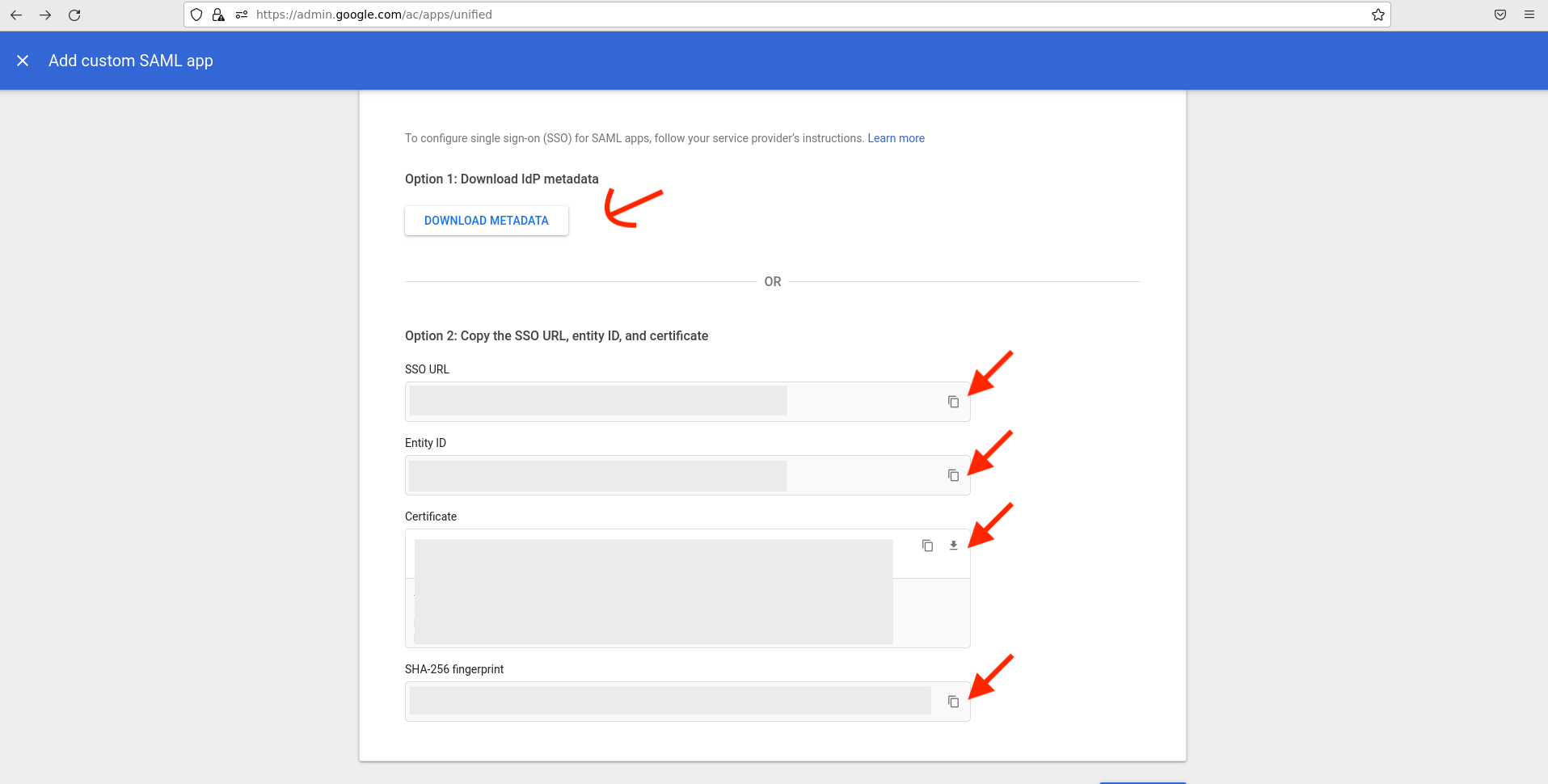
Share SAML IdP details with Bicycle
On the Google Identity Provider details page, share either:
- The IdP metadata, or
- SSO URL, Entity ID, Certificate, and SHA-256 fingerprint
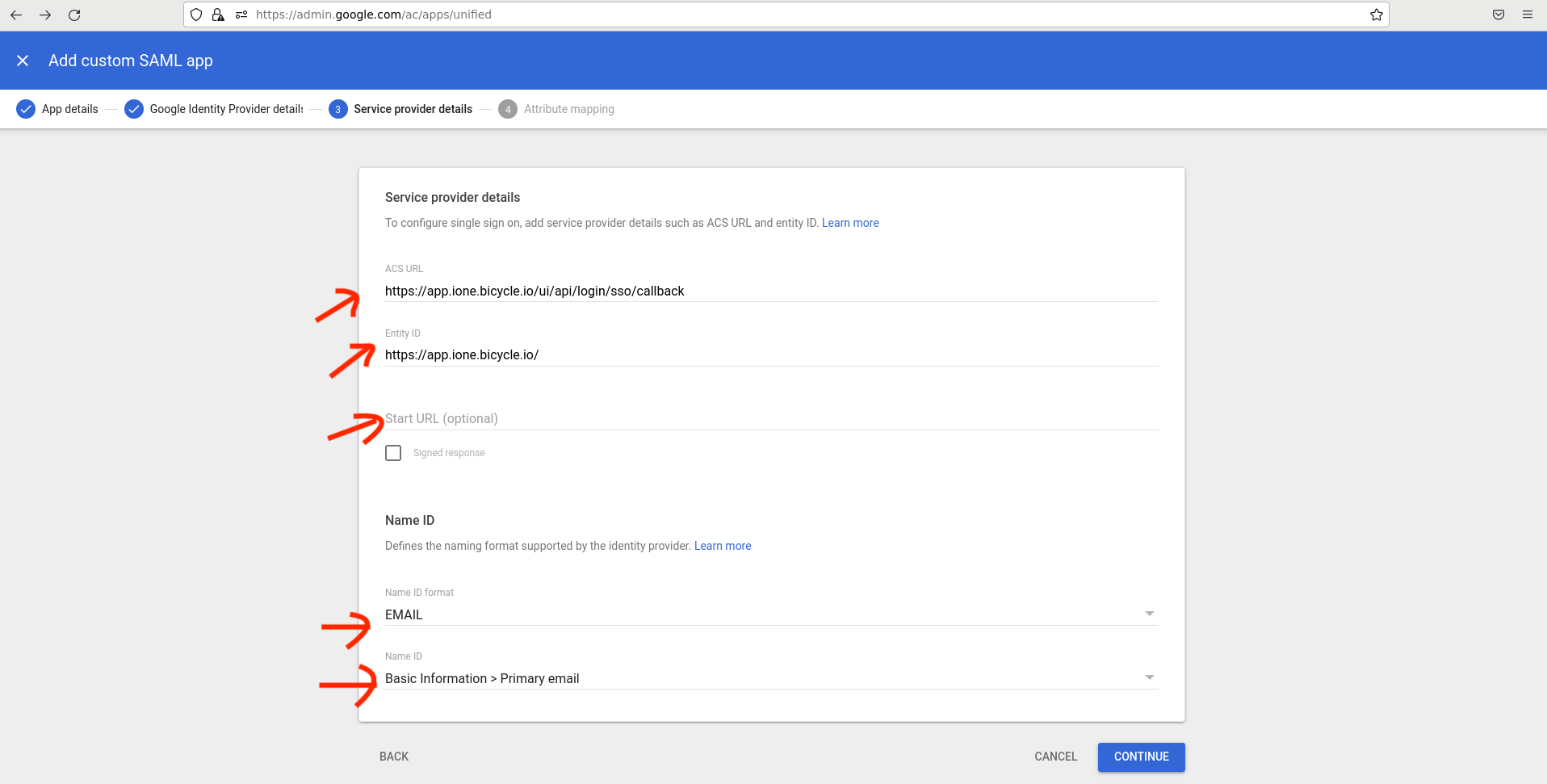
Configure service provider details
Enter the values provided by Bicycle:
| Field | Value |
|---|---|
| ACS URL | https://app.bicycle.ai/api-proxy/api/tenants/auth/login/saml/callback |
| Entity ID | https://app.bicycle.ai |
| Start URL | (optional) tenant login URL from Bicycle, for example https://app.bicycle.ai/{tenant}/login |
| Name ID format | |
| Name ID | Basic Information → Primary email |
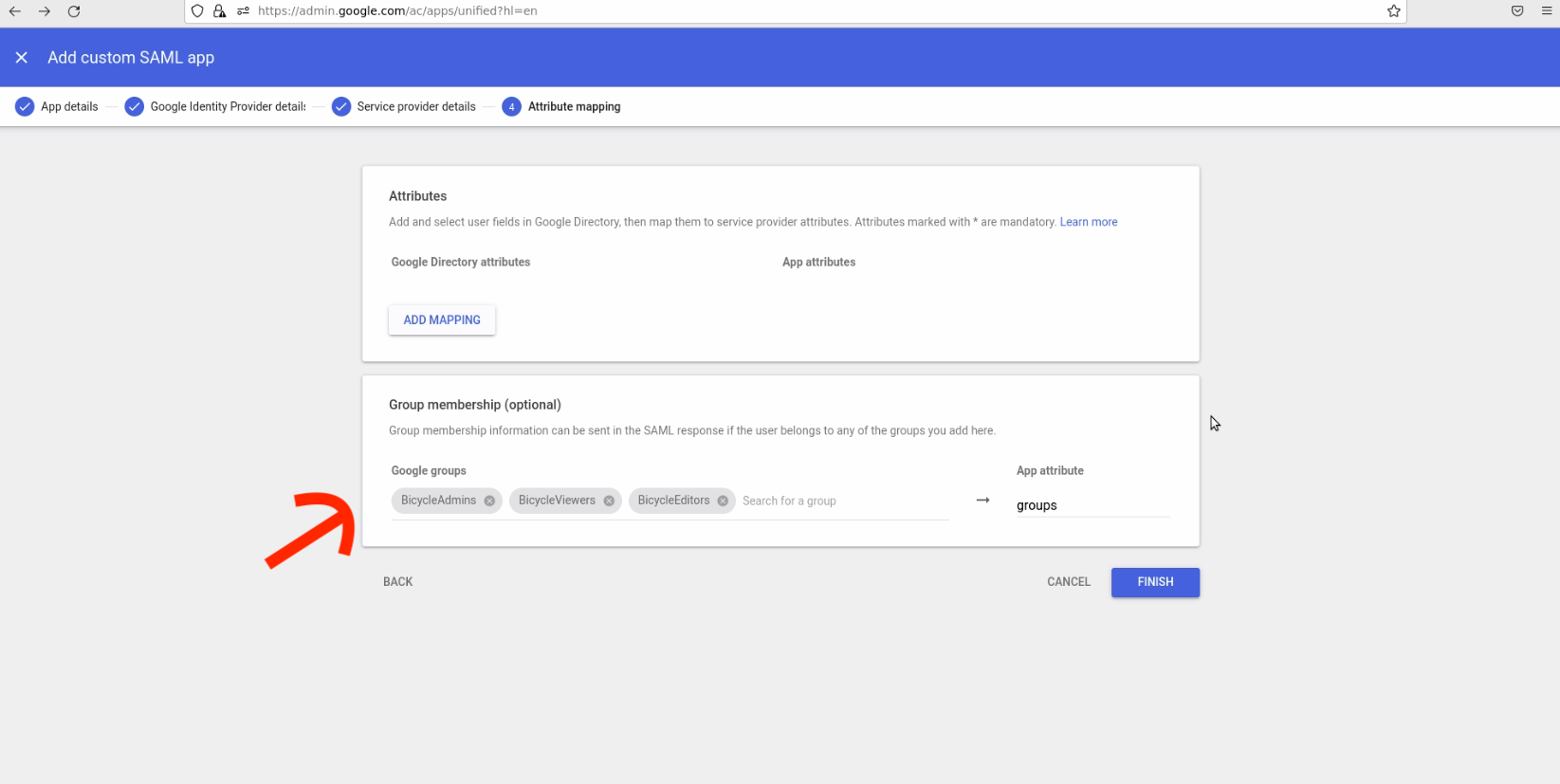
Group membership
- In Group membership, add an app attribute named
groups. - Select the Bicycle groups created earlier (and any default Viewer group, if you use that option).
- Click Finish to add the app.
Step 3: Turn on access for the SAML app
- Go to Apps → Overview → Web and mobile apps (https://admin.google.com/ac/apps).
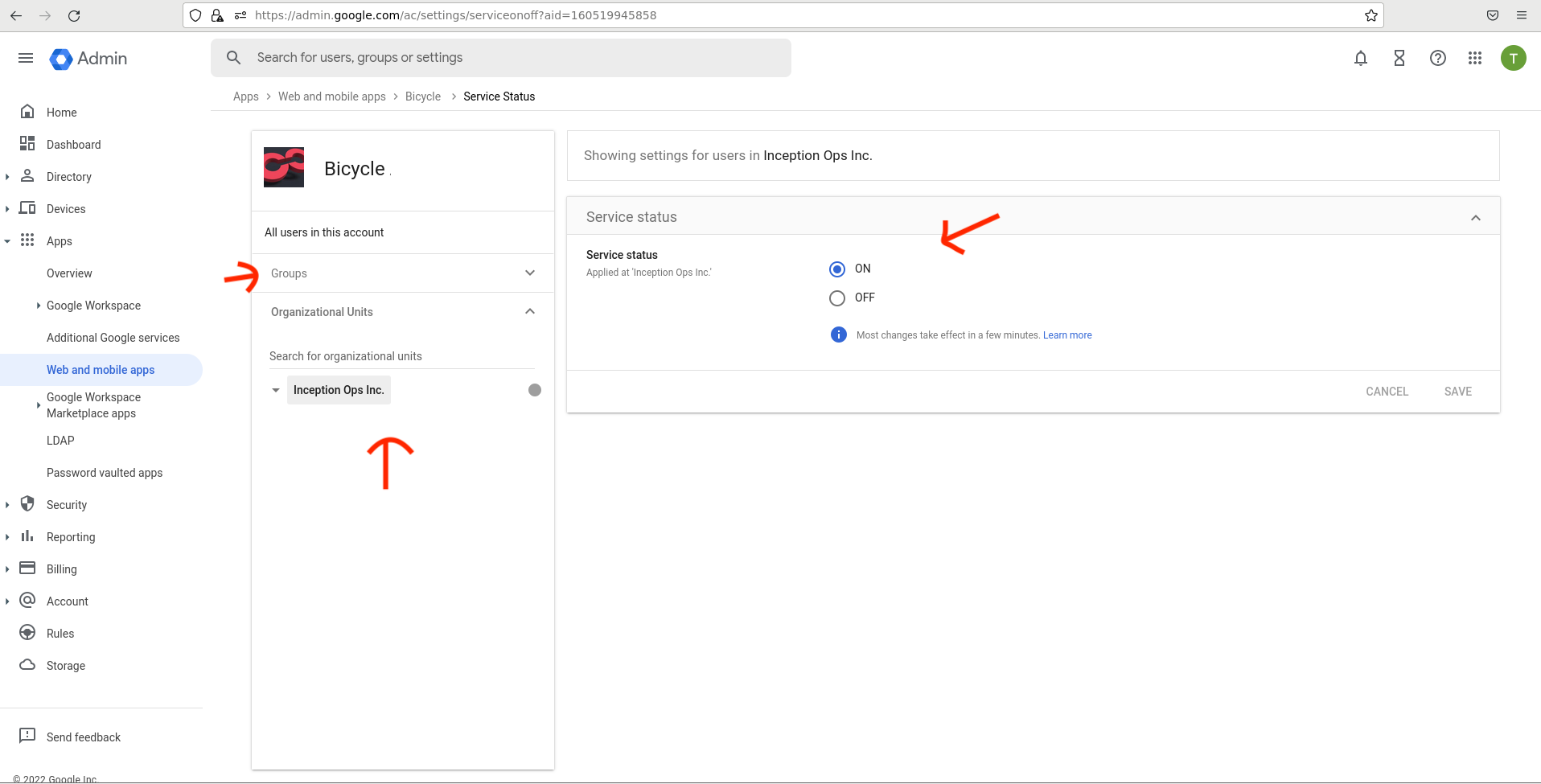
- Open the Bicycle app → User access.
- Select the appropriate groups or organizational units and set Service status to ON.
Artefacts to share with Bicycle
| Artefact | Source |
|---|---|
| SSO URL (Login URL) | Google IdP details |
| Entity ID (Issuer) | Google IdP details |
| Certificate | Google IdP details (Base64) |
| Group names | Exact Directory group names |
| Email domain | Your Workspace primary domain |
Bicycle completes configuration under Admin → Authentication. See Configure SSO in Bicycle.
Need help?
Contact your Bicycle implementation team or email support@bicycle.ai.